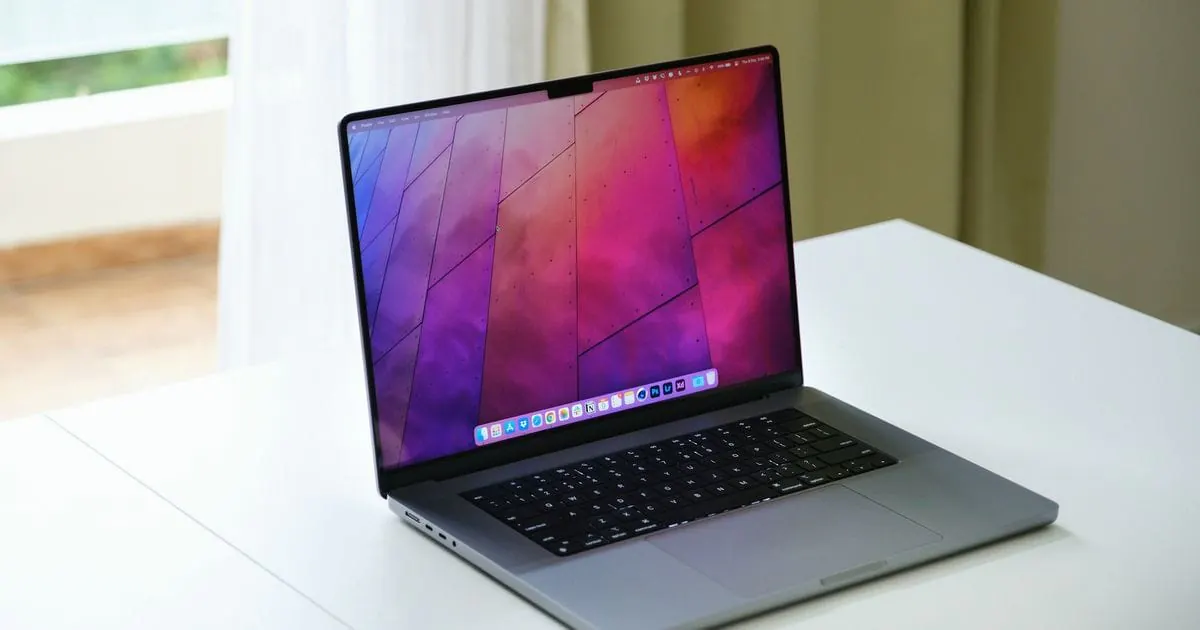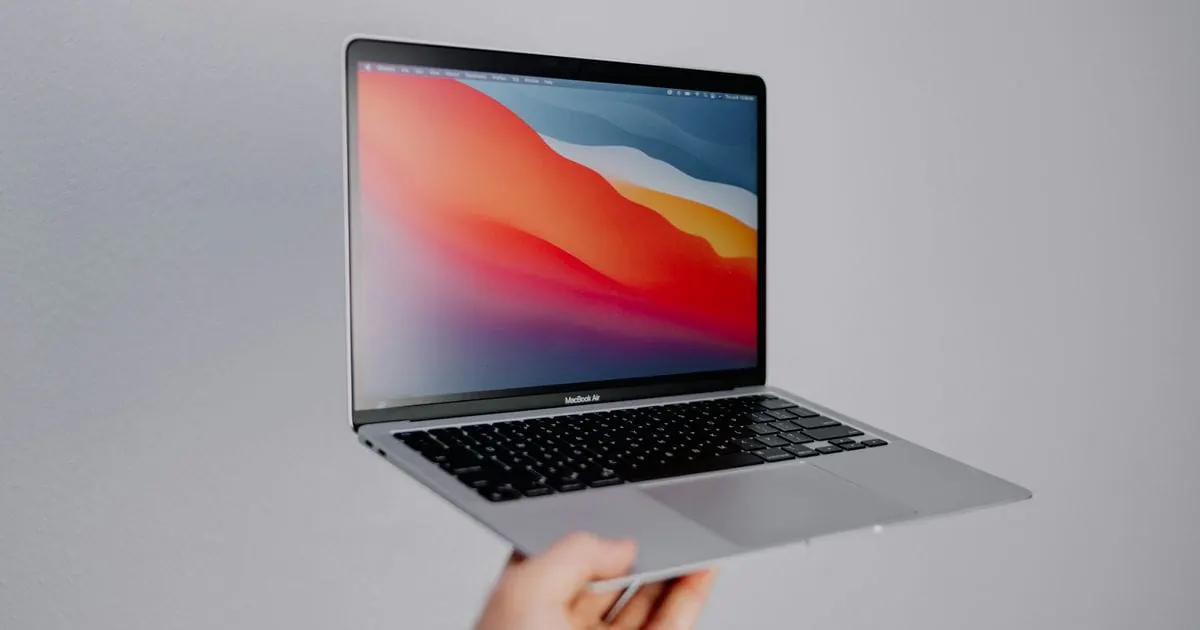
When buying a used MacBook, five things matter most: an Apple Silicon chip rather than Intel, a battery with as few charge cycles as possible, Activation Lock turned off, no MDM management, and a serial number that matches the receipt. Add a quick test of the keyboard, display, ports and charger. These checks are for buying from a private seller.
Apple Silicon or Intel: which used MacBook is worth buying?
Apple Silicon means Apple's own chips such as the M1, M2, M3 and newer, which replaced Intel processors in MacBooks from late 2020. They are very efficient, and Apple is phasing out support for Intel Macs: according to Apple, macOS Tahoe (macOS 26) is the last major macOS release for Intel Macs, and even that only runs on a few late models. An Intel MacBook only makes sense on a very tight budget or if you need to boot Windows natively with Boot Camp.
| Criterion | MacBook with Apple Silicon | MacBook with Intel processor |
|---|---|---|
| Battery life | usually much longer | usually noticeably shorter |
| macOS updates | supported for longer | support being phased out |
| Windows | virtualised only (ARM version) | also natively via Boot Camp |
| Best for | almost all buyers | tight budgets, special cases |
How do you check the battery?
Hold down the Option key, click the Apple menu and open “System Information” > “Power”: it shows the cycle count and the battery's condition. According to Apple, modern MacBook batteries are designed for 1,000 charge cycles. The further below that the number is, the more life the battery has left; close to 1,000, budget for a replacement. “Normal” is good, while “Service Recommended” means the battery should be checked or replaced. Our guide to checking battery health also helps you interpret battery figures.
Activation Lock and MDM: how do you spot a locked MacBook?
Activation Lock ties the Mac to the owner's Apple Account while Find My is on. On Macs with Apple Silicon or the T2 chip, the Hardware Overview in System Information shows its status, which must say Disabled. On older Intel Macs without a T2 chip, ask the seller to sign out and turn off Find My Mac while you watch.
With MDM (Mobile Device Management), companies and schools manage their devices centrally and can lock them remotely. Depending on the macOS version, installed profiles appear under System Settings > Privacy & Security > Profiles or under General > Device Management. If an organisation's profile shows up there, or a remote management notice appears after a reset, don't buy that MacBook.
What should you test before buying?
Allow about a quarter of an hour:
- Keyboard and trackpad: press every key in a blank document, taking extra care with Intel MacBooks from roughly 2015 to 2019, many of which use the butterfly keyboard known to be prone to faults. Also test clicks, gestures and Touch ID.
- Display: a white, a black and a colourful full-screen image reveal dead pixels and patches. When you slowly open and close the lid, the picture must not flicker.
- Ports and charger: charge from every port and make sure the charger is genuine with the right wattage.
- Serial number: the one under “About This Mac” must match the case and the receipt, and Apple's coverage check website shows the model and warranty status.
If you buy on eBay or Vinted, always pay through the platform so its protection applies under its terms. Our guide on where to buy a used MacBook safely compares the options.
How much RAM and storage do you need?
On MacBooks with Apple Silicon, the RAM and SSD are soldered and can't be upgraded. 8 GB of RAM is enough for browsing, office work, studying and streaming, 16 GB makes sense if you run lots of apps at once, and 24 GB or more suits video editing or large photo libraries. A 256 GB SSD is enough if you keep a lot in the cloud; for local photo and video collections, 512 GB or more is the better choice.
Buying a used MacBook Neo from tested before
With us, these checks are already done: the only MacBook we sell is the used MacBook Neo, tested before sale (display, keyboard, trackpad, battery, ports, camera, speakers, Wi-Fi and Bluetooth) and reset with the previous owner's Apple Account removed. The condition grade, real photos and specification are in the eBay or Vinted listing; our quality page explains how we test. Browse our tested used MacBook Neo laptops.