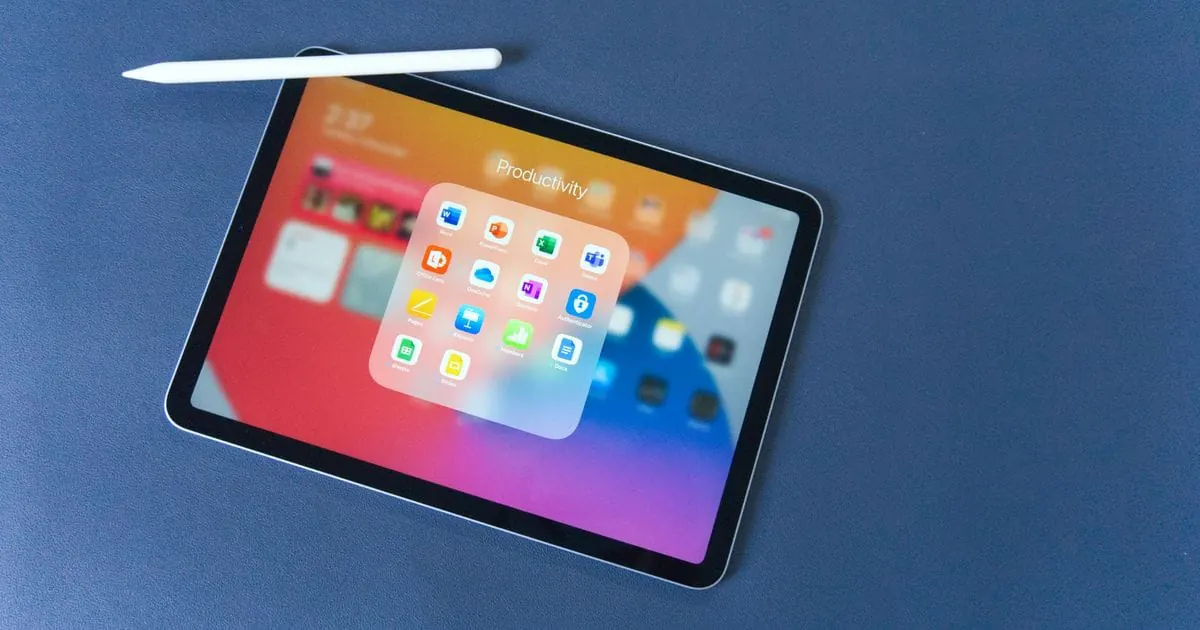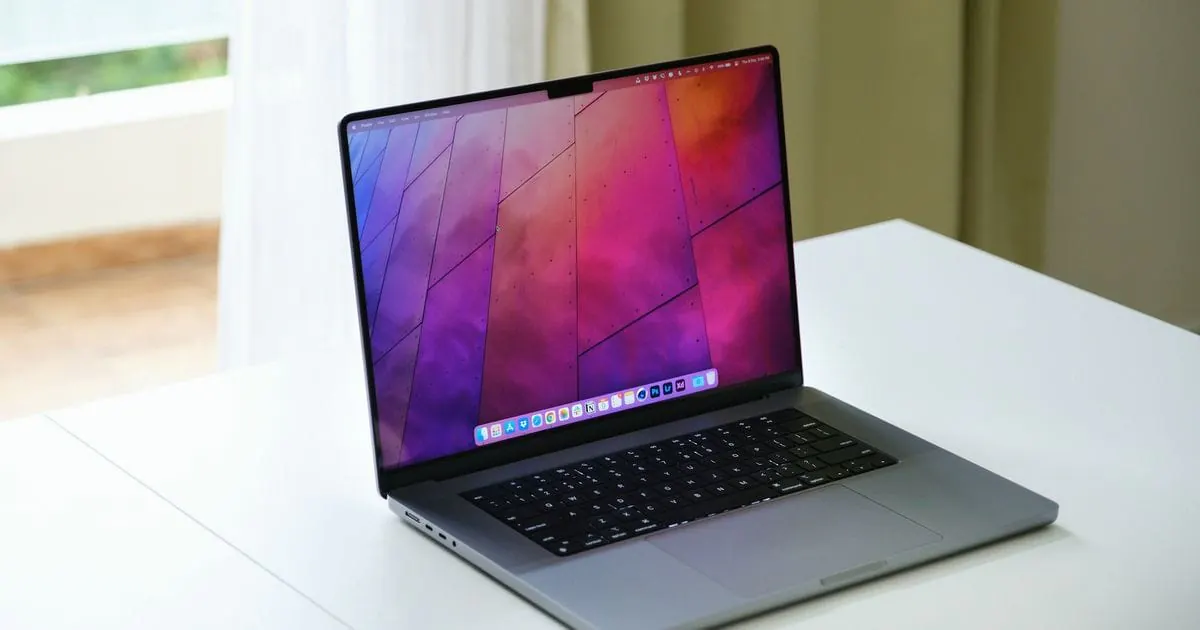
The safest way to buy a used MacBook is from a business seller that tests every device before selling it and documents the condition honestly with real photos. Private sales can be cheaper, but the checking and most of the risk are then down to you. At tested before, the only MacBook we sell is the MacBook Neo, used and tested before sale, on eBay and Vinted with the platform's protection under its terms.
Where can you buy a used MacBook?
The options differ less in the device itself than in three questions: who checked the MacBook, what rights do you have, and how well can you judge the condition before you buy?
| Where to buy | Your rights | Checked before sale | Risk for you |
|---|---|---|---|
| Manufacturer's refurbished store | Statutory rights against the seller | Refurbished by the manufacturer | Low; choice often limited to newer models |
| Refurbished marketplaces | Statutory rights against the individual seller | By the seller, scope varies | Low to medium |
| Business sellers on eBay and Vinted | Statutory rights plus the platform's protection under its terms | Depends on the seller; condition shown with photos in the listing | Low to medium |
| Private sellers on classifieds sites and marketplaces | Statutory rights often excluded | No systematic check | High; you check everything yourself |
Read the listing to see whether a business or a private individual is selling and what condition is stated. On platforms, always pay through the platform itself; otherwise its protection usually doesn't apply.
What should you check when buying a used MacBook privately?
If you buy privately, check these points on the device before you pay. The detailed guide with every menu path is in our used MacBook buying guide.
- Activation Lock: on supported models, System Information > Hardware must show it as disabled, and no one else's Apple Account should still be signed in under System Settings.
- Device management: former company or school MacBooks may be registered to an organisation. If a remote management notice appears after a reset, the device hasn't been released.
- Battery: System Settings > Battery shows the battery health and System Information > Power the cycle count. Compare it with the figure Apple gives for your model.
- Display: check single-colour screens for dead pixels, stains in the coating and bright edges, then open and close the lid slowly: does the picture flicker?
- Keyboard and trackpad: press every key and test clicks and gestures.
- Ports, camera and wireless: charge through every port and briefly try the FaceTime camera, speakers, microphone, Wi-Fi and Bluetooth.
- macOS version: compare the model with Apple's current compatibility list. Models with Apple silicon generally get updates for longer than older Intel models.
With tested before, that's already done: every MacBook Neo is tested and reset before sale, and the listing states its condition honestly.
Why buy from a business seller that tests its MacBooks?
If you buy from a business seller as a consumer, your statutory rights cover faults the device already had when it was delivered, and online you usually also have a right of withdrawal. In a private sale, these rights are often excluded: if the battery turns out to be weak or a key stops working after a few weeks, you have little recourse. This is general information, not legal advice.
A seller that tests every device before selling it also takes the checking off your hands: accounts, battery and functions are checked before the MacBook reaches you.
How do you buy a used MacBook from tested before?
The only MacBook we sell is the MacBook Neo, used and tested before sale:
- Read the listing: it shows real photos, the condition grade, the specification, price, shipping and returns.
- Buy through the platform: you pay on eBay or Vinted, where the platform's protection applies under its terms.
- Set it up: your MacBook Neo arrives tested and reset with accounts removed, ready for your own Apple Account.
We test the display, battery, keyboard and trackpad, ports, camera and connectivity, among other things. The cosmetic condition sets an honest grade, and many of our devices have barely been used. Our quality page explains how we test. If you need anything after buying, message us on WhatsApp or through the eBay and Vinted messages; our statutory warranty and returns page explains how returns work.
You'll find our current listings on our page for the MacBook Neo.