If you are buying a used Nintendo Switch from a private seller, check three things: exactly which model it is, whether the hardware works properly and whether the console is free of other people's accounts and bans. The model number on the back tells you the version, and in the hands-on test, Joy-Con drift, the screen, dock, battery and fan matter most.
At tested before, that's already checked: we sell the Switch OLED and Switch Lite, test every console before selling it, reset it and show it with real photos and an honest condition grade.
Which Switch models are there, and how do you tell them apart?
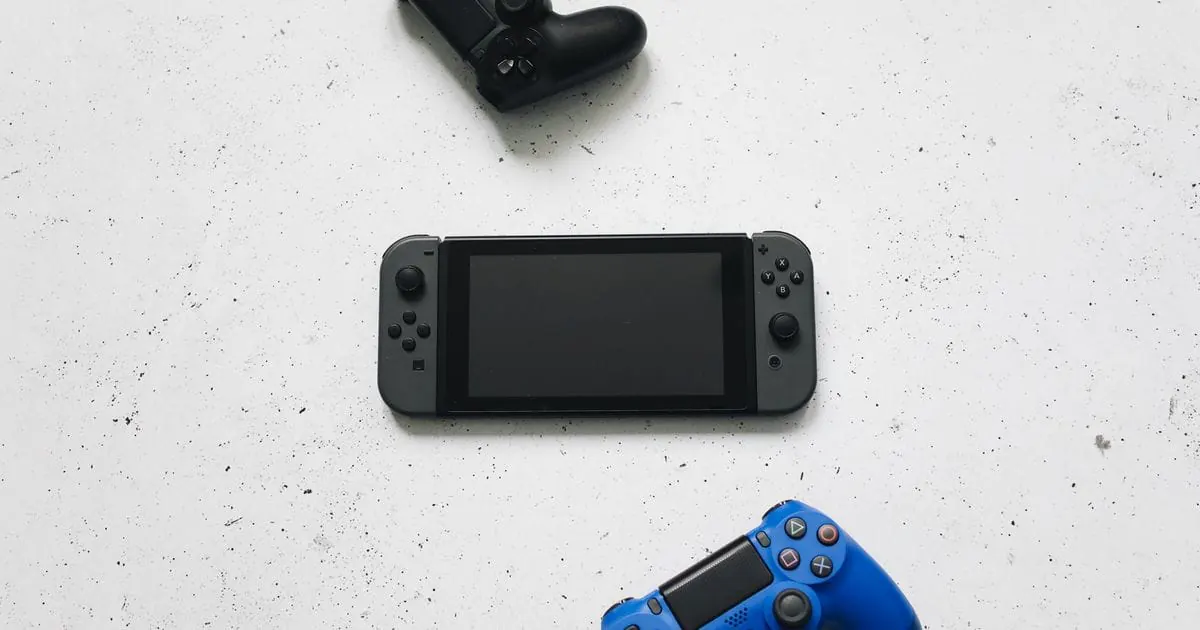
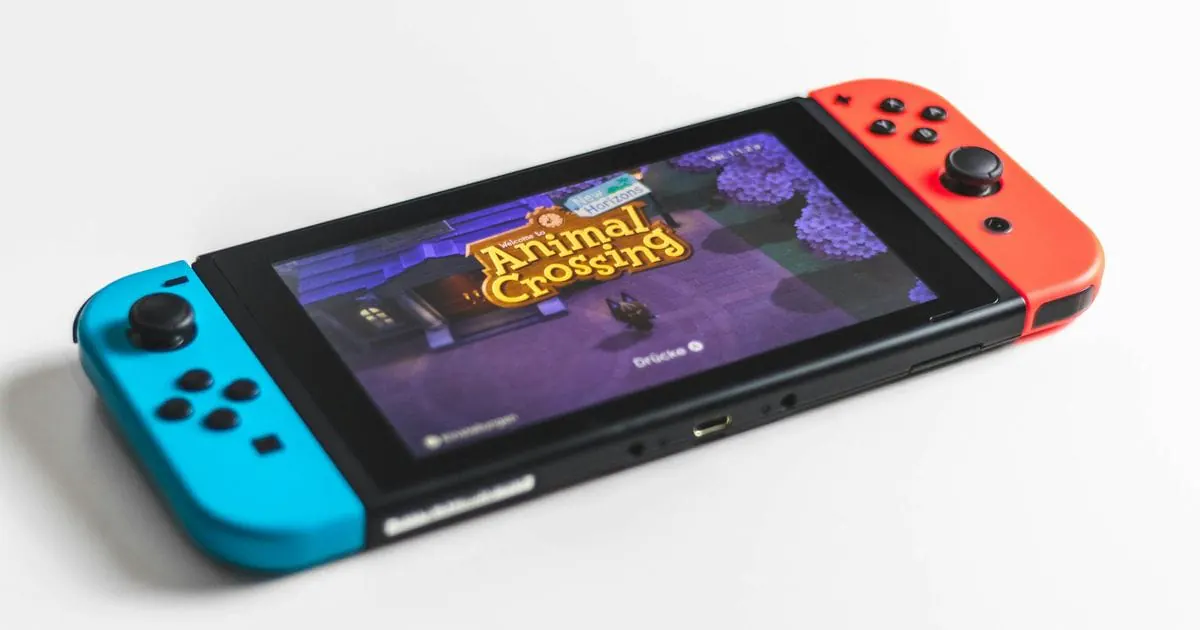
The Nintendo Switch is a hybrid console: you play on the built-in screen on the go or on your TV via the dock. You can identify the version by the model number, printed in small type on the back after “MOD.”:
| Model | How to recognise it | TV mode | Detachable Joy-Con | Best for |
|---|---|---|---|---|
| Switch (2017) | model number HAC-001 | yes | yes | mainly playing on the TV |
| Switch, revised (2019) | model number HAC-001(-01) | yes | yes | all-rounder for TV and on the go |
| Switch Lite (2019) | model number HDH-001 | no | no | children, commuters, handheld-only play |
| Switch OLED (2021) | model number HEG-001 | yes | yes | frequent players in handheld and tabletop mode |
| Switch 2 (2025) | magnetic Joy-Con 2, larger screen | yes | yes | games released only for the Switch 2 |
HAC-001 and HAC-001(-01) look almost identical, but according to Nintendo the revised version lasts considerably longer on a charge. If a listing advertises a “new version” or “improved battery”, the console must say HAC-001(-01).
What should you test on the console?
Allow about 20 minutes and ask to see the console switched on and charged:
- Joy-Con drift: open System Settings > Controllers and Sensors > Calibrate Control Sticks. When you let go of the stick, the indicator must stay still in the centre. On both Joy-Con, also check that they click onto the rails, and test every button and the vibration.
- Screen and casing: at full brightness, look for scratches and dead pixels, and test the touchscreen. A gap between the screen and the back can point to a swollen battery.
- Game card and dock: a game card must be recognised and start. In the dock, the picture should appear on the TV after a few seconds; skip this test for the Lite.
- Battery and charging port: the Switch usually shows only the charge level. Play for about 15 minutes, watch how quickly it drops and charge the console via USB-C outside the dock.
- Fan: a quiet whir under load is normal; grinding or rattling points to dust or a fault.
What about the seller's Nintendo Account?
Nintendo eShop purchases and the Nintendo Switch Online membership are tied to the Nintendo Account. At the handover, ask the seller to unlink the console from their account following Nintendo's current support instructions, turn off any Parental Controls and restore factory settings under System Settings > System > Formatting Options > Initialise Console. Digitally purchased games stay with the seller; you only get the game cards.
A Switch banned by Nintendo works offline but can neither open the eShop nor play online. So ask to see the console open the Nintendo eShop while connected to Wi-Fi. If an error message appears or the seller mentions “modded” software, do not buy it.
Private seller or retailer?
In a private sale, you can usually only test the console briefly, and a weakening battery may only show up weeks later. Private sellers can usually exclude your statutory rights; on eBay and Vinted, the platform's protection also applies under its terms, provided you pay through the platform. To compare your options, read our guide on where to buy a used console safely.
Buying a used Nintendo Switch from tested before
With us, these checks are already done: we test every Switch OLED and Switch Lite before we sell it, from the sticks, buttons and screen to the battery, fan and Wi-Fi, plus the TV picture on the OLED model. We then restore it to factory settings with all accounts removed. The condition grade, what is included, real photos, price and shipping are in the listing, and you buy on eBay or Vinted with the platform's protection under its terms. Our quality page explains how we test; if you need help after your purchase, you can reach us on WhatsApp or through eBay and Vinted messages.
You'll find the consoles currently available on our used consoles page.