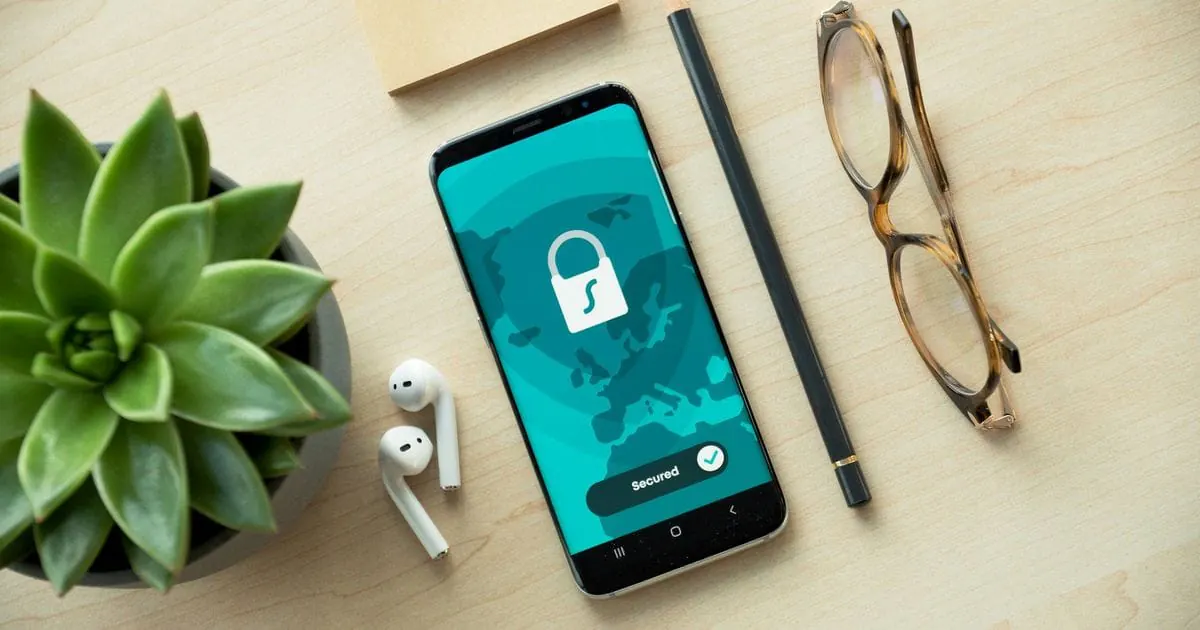
Activation Lock is an Apple anti-theft feature: while Find My is switched on, it ties an iPhone, iPad or Apple Watch to the owner's Apple Account. Android has an equivalent, Factory Reset Protection (FRP), linked to the Google account. Without a prior sign-out, both locks survive a reset, so only buy a used device once you have confirmed that the lock has been removed, and remove it yourself before you sell.
At tested before, that's already checked: we test every device before we sell it, reset it and remove all accounts. The checks in this guide are for buying from a private seller.
What is the difference between Activation Lock and FRP?
Both exist to stop a thief from simply resetting a stolen device and selling it on. The details differ:
| Feature | Apple: Activation Lock | Android: FRP |
|---|---|---|
| Linked to | Apple Account with Find My | Google account, on Samsung sometimes the Samsung account too |
| Devices | iPhone, iPad, Apple Watch, Mac with Apple silicon or T2 chip | Smartphones and tablets with a Google account, from Android 5.1 |
| How it shows | Setup asks for the previous owner's Apple Account and password | Setup asks for a previously synced Google account |
| Remove remotely | Via icloud.com/find or the Find My app | Signing out via the Google account device list does not reliably release FRP |
For a buyer, a locked device is practically worthless, because it will not get past the setup wizard. An active lock can also be a sign that the device has been reported lost or stolen.
How do you check that the lock has been removed before buying?
In person, check before you pay. Online, for example on eBay or Vinted, set the device up as soon as it arrives and report any lock through the platform straight away, within its deadline. The Hello screen proves nothing: Activation Lock only shows up once the device connects to the internet during setup.
- iPhone and iPad: if someone else's name appears at the top of Settings, an Apple Account is still signed in. The seller signs out under Settings > [name] > Sign Out and resets the device. If setup over Wi-Fi or mobile data says the device is locked to its owner, do not buy it.
- Android: under Settings > Passwords & accounts (or “Accounts”, depending on the manufacturer), there should be no one else's Google or Samsung account. If setup after a reset asks for a previously synced Google account, FRP is active.
Check the battery, screen and IMEI too with our used smartphone buying checklist.
How do you remove the lock as a seller?
The easiest way is to do it at home before you hand the device over or post it:
- iPhone: sign out under Settings > [your name] > Sign Out with your password, which turns off Find My and the lock. Then reset the iPhone under Settings > General > Transfer or Reset iPhone.
- iPhone, remotely: if you have already posted it, select it at icloud.com/find or in the Find My app, erase it and remove it from your account.
- Android: remove your Google account under Settings > Passwords & accounts, and on Samsung the Samsung account too; only then reset the phone via Settings, not from recovery mode.
What should you do if you have bought a locked device?
- Contact the seller: they can remove an iPhone or iPad from their account remotely via iCloud, while on Android they usually have to sign in on the device itself.
- Keep evidence: the listing, the chat history, the payment receipt and a photo of the lock screen.
- Check your rights: if you bought online from a business, in the UK and EU you usually have 14 days to cancel. If you paid through eBay, Vinted or a payment service with buyer protection, check whether you can open a claim there.
- Suspect theft? Go to the police: if the seller does not respond or the device's origin looks doubtful, report it.
Steer clear of services that promise to bypass the lock without login details (general information, not legal advice).
Buying a used smartphone from tested before
With us, the lock check is already done: we test every smartphone before we sell it and reset it to factory settings with all accounts removed. The condition grade, real photos, price and shipping are in the listing, you buy on eBay or Vinted with the platform's protection under its terms, and you set the phone up straight away with your own account. Our quality page explains how we test.
Browse our tested used smartphones.